Back up every Linux host, database, file share and Docker host.
Restore without the server.
Lodestore runs backups for every server in your fleet from one place. Agents encrypt on the host and write straight to your storage, so a restore needs only that storage and your key.
| Host | Status |
|---|---|
| web-eu-01role=web | Protected |
| pg-main-01role=db | Protected |
| files-02role=files | Protected |
| ci-runner-03role=ci | Protected |
| nas-02role=files | Protected |
Add a host
Run this as root on the host. The token works once.
curl -fsSL https://lodestore.internal/install.sh | sudo sh -s -- --join lj1_7f3c9ae2The server can go down.
Your restores stay.
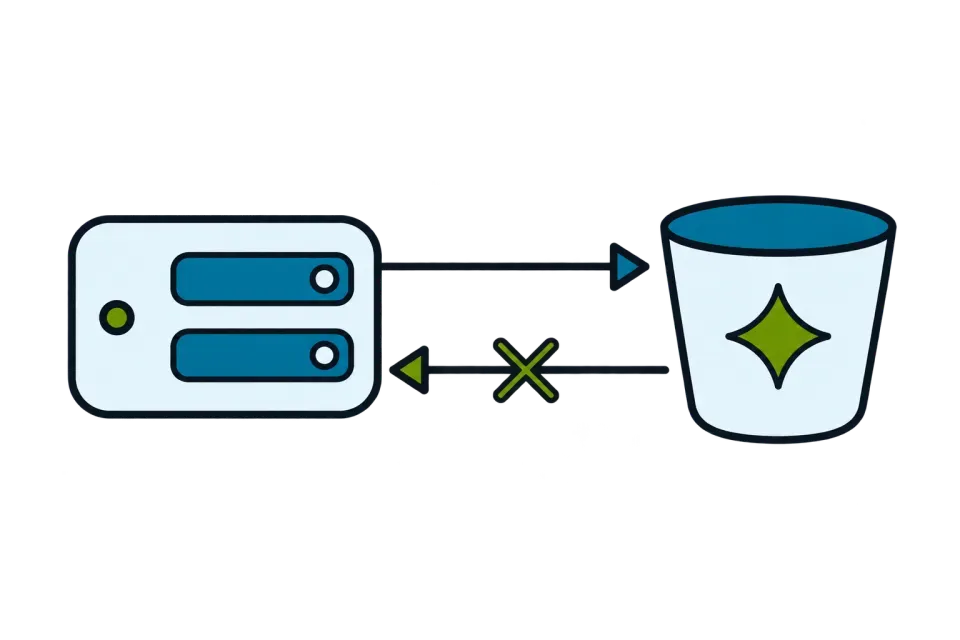
The server schedules, catalogs and alerts. Backups never pass through it, so losing it costs you the dashboard, not your backups.
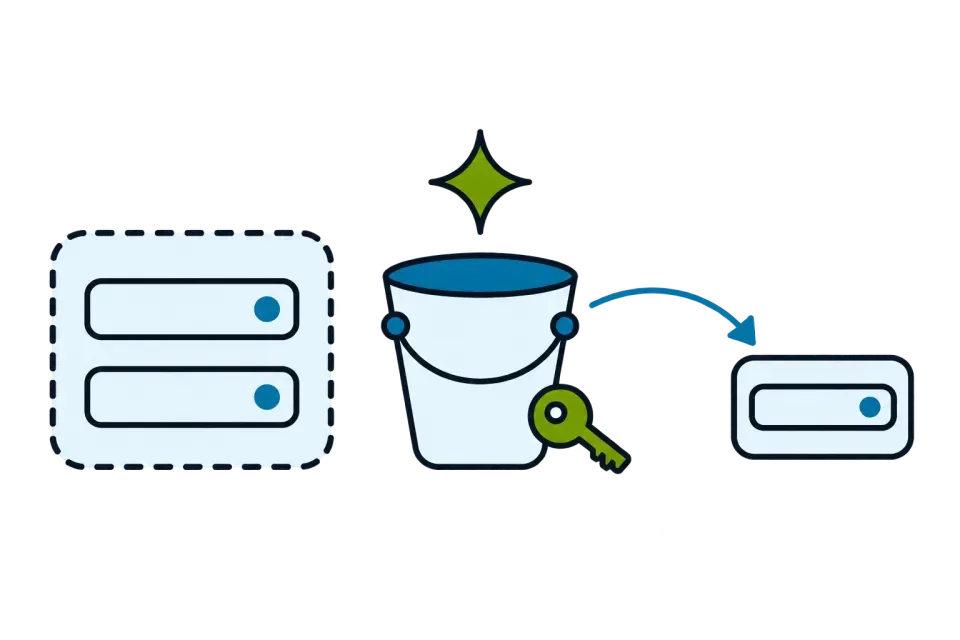
The server is gone. Any Linux machine with lode, the bucket and your password or recovery key restores every snapshot.
# the server is gone; you still have the bucket and the key$ export LODE_REPOSITORY="s3:https://s3.example.com/backups"$ export LODE_PASSWORD_FILE=./repository-key$ lode snapshots3f9a1c2e 2026-11-01 03:00:12 pg-main-01 /var/lib/postgresql8be04d71 2026-11-02 03:00:09 pg-main-01 /var/lib/postgresql$ lode restore latest --target ./restored --verify$
Everything a fleet needs.
Backups never pass through the server.
Five things Lodestore does for an ops team.
Every chunk stored once, sealed on the host.
Files are cut into content-defined chunks. A chunk that already exists in the repository is not uploaded again, across snapshots and across hosts.
What leaves the host is compressed, then encrypted with XChaCha20-Poly1305. File names are not readable in the bucket either.
How the format works11 chunks in three snapshots, 6 stored.
A taken-over host cannot erase its history.
On S3-compatible storage the key the agents write with has no delete permission. Deletion and cleanup run only on the server, in two phases with a wait longer than the longest backup.
It works with S3 Object Lock, so even the server cannot remove data before its time.
Threat modelClick it together, or keep it in Git.
Schedules in a time zone with jitter and catch-up of missed runs, retention, upload limits. Edit a policy in the interface, or apply the same YAML from your GitOps repository.
Policies guideOne search across every host.
Someone deleted a config last week, on a host you don't remember. Search a path or a pattern across the snapshots of the whole fleet, pick the version and restore it to that host or another one.
Find a fileHear about a failed backup before you need it.
Alerts for failed, overdue and offline hosts, failed checks and agent updates. Send them to Telegram, Slack, email or a webhook, and scrape Prometheus metrics.
Alerts guideBackup failed on pg-main-01
ops-telegram · pre-backup hook exited with 1
files-02 is overdue
#ops-alerts · no successful backup for 36 h
Resolved: pg-main-01 backed up
[email protected] · 26 minutes later
Built for the day a host is compromised.
An agent runs as root on every host. So we designed for one of them being taken over, and wrote down exactly what follows.
What a stolen host key can do
| YesWrite new backups | Its job. New data is encrypted on the host before upload. |
|---|---|
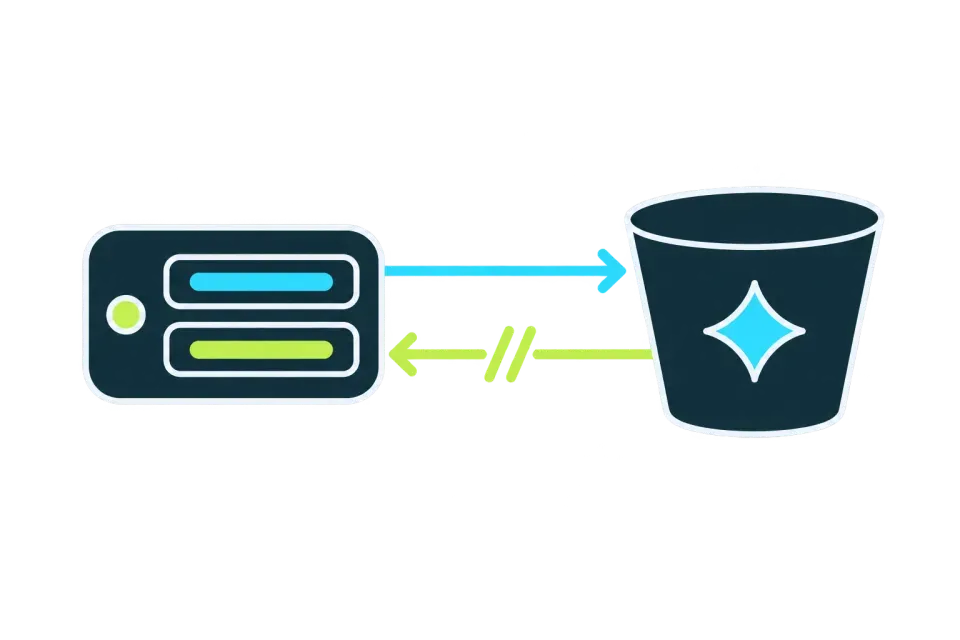
| NoRead backups back | The agent key is write-only. A restore gets short-lived links to the packs of its own job. |
| NoDelete a backup | The key has no delete permission. Deletion runs only on the server and works with S3 Object Lock. |
| DependsOverwrite an object | Refused where the storage enforces If-None-Match. Where it does not, versioning or Object Lock keeps the earlier version. |
| NoPush an unsigned agent build | An agent installs an update only after checking its minisign signature. |
Post-quantum from day one
Pack keys are sealed with X-Wing, X25519 plus ML-KEM-768. A bucket copied today stays closed if either one breaks.
Tested, not promised
How we test lists the tests behind these claims, from the agent key being refused a read to a restore from the bucket alone.
From zero to the first backup in about ten minutes.
- Start the serverOne container, a static binary or a Helm chart. SQLite by default, PostgreSQL for production.
- Connect your storageCreate the repository and save the recovery key.
- Add a hostCopy one command to it. The agent checks the checksum and registers.
- Watch the first backupCreate a policy and run it. Progress shows under Jobs.
export LODESTORE_HOST=192.0.2.10
docker run -d --name lodestore \
  -p 8080:8080 -p 8443:8443 \
  -v lodestore-data:/var/lib/lodestore \
  -e LODESTORE_PUBLIC_URL="http://$LODESTORE_HOST:8080" \
  -e LODESTORE_GRPC_PUBLIC_ADDRESS="$LODESTORE_HOST:8443" \
  ghcr.io/lodestore/lodestore:0.1.0
export VERSION=0.1.0
export ARCH=x86_64
base=https://github.com/lodestore/lodestore/releases/download/v$VERSION
for f in lodestore-server-linux-$ARCH lodestore-server-linux-$ARCH.minisig \
         lode-linux-$ARCH lode-linux-$ARCH.minisig SHA256SUMS SHA256SUMS.minisig; do
  curl --proto '=https' --tlsv1.2 -fsSLO "$base/$f"
done
helm install lodestore oci://ghcr.io/lodestore/charts/lodestore --version 0.1.0 \ --set publicUrl=https://lodestore.example.com \ --set grpc.publicAddress=lodestore.example.com:8443
Your storage
Agents run on Linux (x86_64, arm64) today. Windows and macOS are on the roadmap.
How it compares
| Lodestore 0.1 | restic | Plakar (community) | Bareos | |
|---|---|---|---|---|
| Shape | One server binary and an agent on each host | A command-line program that runs when you start it | Command-line engine, ISC license | Director, a File Daemon on each client, a Storage Daemon and a PostgreSQL catalog |
| Protection from a compromised host | Agent key without delete rights on S3-compatible storage; deletion is server-only | Append-only mode is provided by the backend, for example rest-server | Immutable backups on object-lock storage, per the Plakar website | Tape and WORM media for ransomware-resilient setups |
| Platforms | Linux, x86_64 and arm64 | Linux, macOS, FreeBSD, OpenBSD, Windows | Linux, macOS, Windows, FreeBSD | Linux, Windows, macOS, FreeBSD |
| License | Apache-2.0 (agent, format, CLI), AGPL-3.0 (server) | BSD-2-Clause | ISC license | GNU AGPLv3 |
From the blog

Protect the first host before your coffee cools.
One command for the server, one for the host. Open source, self-hosted, no account.